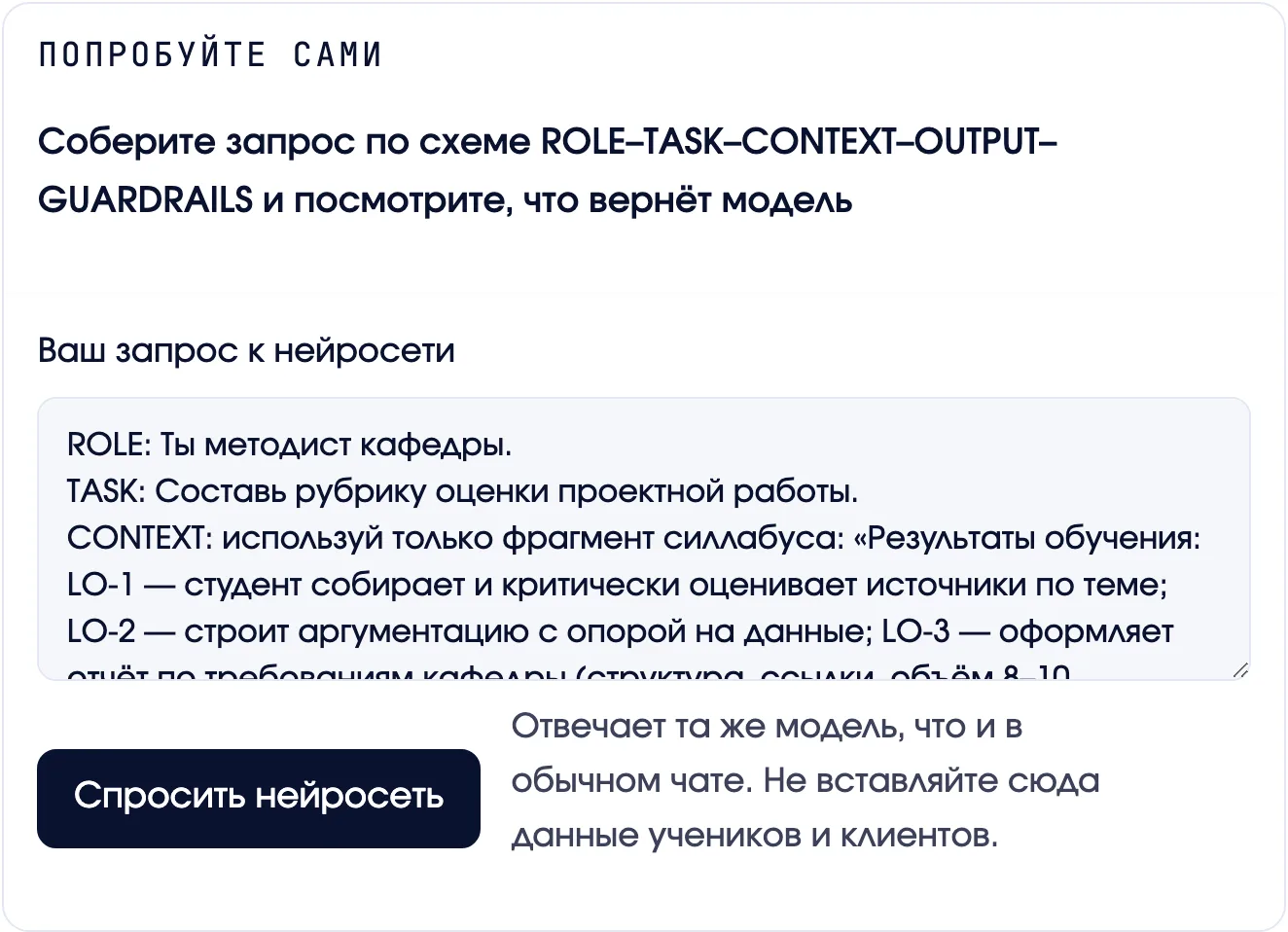
The AI answers right in the lesson
The lesson has a sandbox: a ready prompt is already in the field, you change it for your subject, press the button and see the model's answer without leaving the site. You learn by doing, not by description.
Five modules about what eats a preschool teacher's time: cycle plans, illustrations and presentations, music for a children's party, scripts for sessions. The children stay with you. The assistant gets the paperwork and the layout.
Access to your account right after payment.

Who it is for
A course for those who want to use AI in preschool education: less time on documents and layout, more for the children. No experience with AI and no technical background needed.
Program
Video lessons in your personal account, at your own pace. Start any time: access opens right after payment, with no waiting for a group to form.
Tools: ChatGPT · MidJourney · RunwayML · generating music and song lyrics
How the learning works
This is not a course "about AI" that you watch from the side. You try things as you go: you write a prompt to the AI and see the answer, hunt for made-up facts in its replies, copy ready-made prompts with one button, and take a short quiz after every lesson.
The lesson has a sandbox: a ready prompt is already in the field, you change it for your subject, press the button and see the model's answer without leaving the site. You learn by doing, not by description.
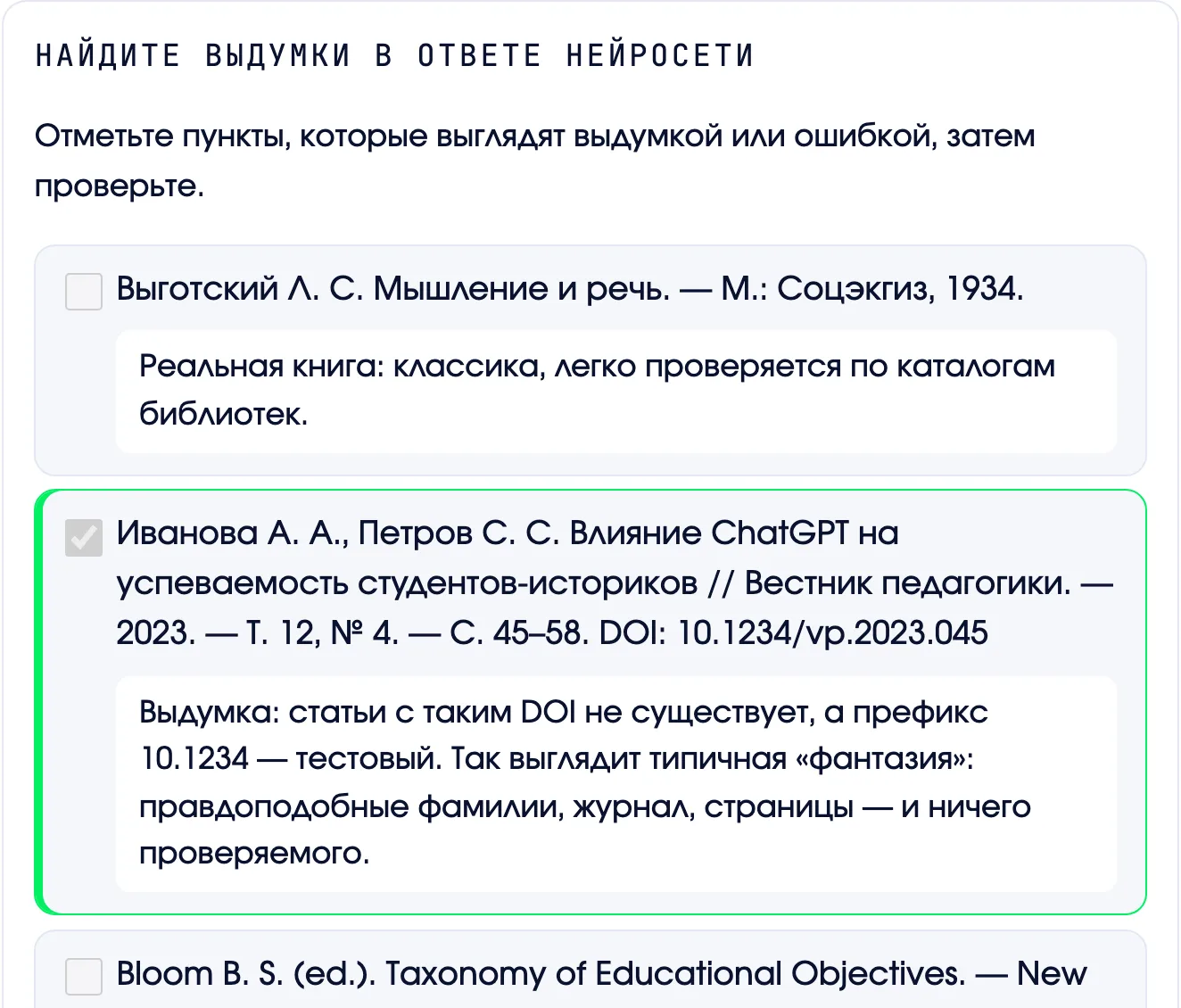
An AI answer with a list of sources, and three of the six are made up. You mark the suspicious ones, check them and read the explanation. After an exercise like this you stop taking names and DOIs from a model's answer on faith.
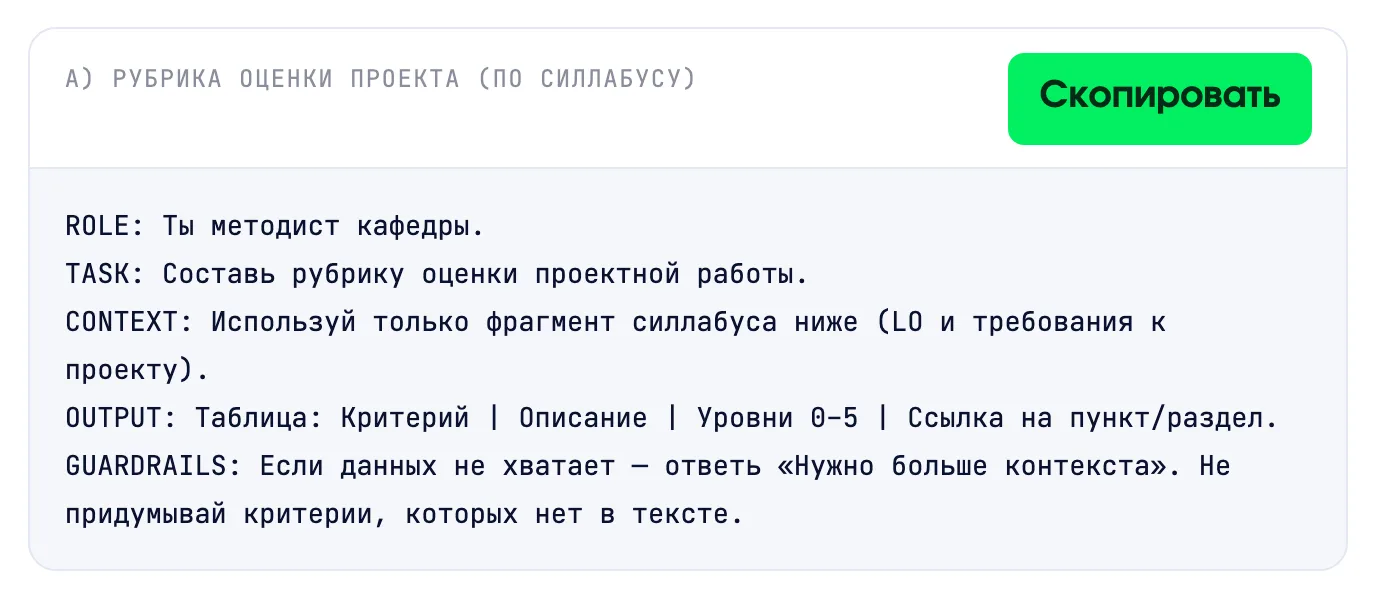
All the prompts are right in the lesson. Press "Copy", paste it into ChatGPT, and you get a rubric, a letter or a plan. No need to select and retype.
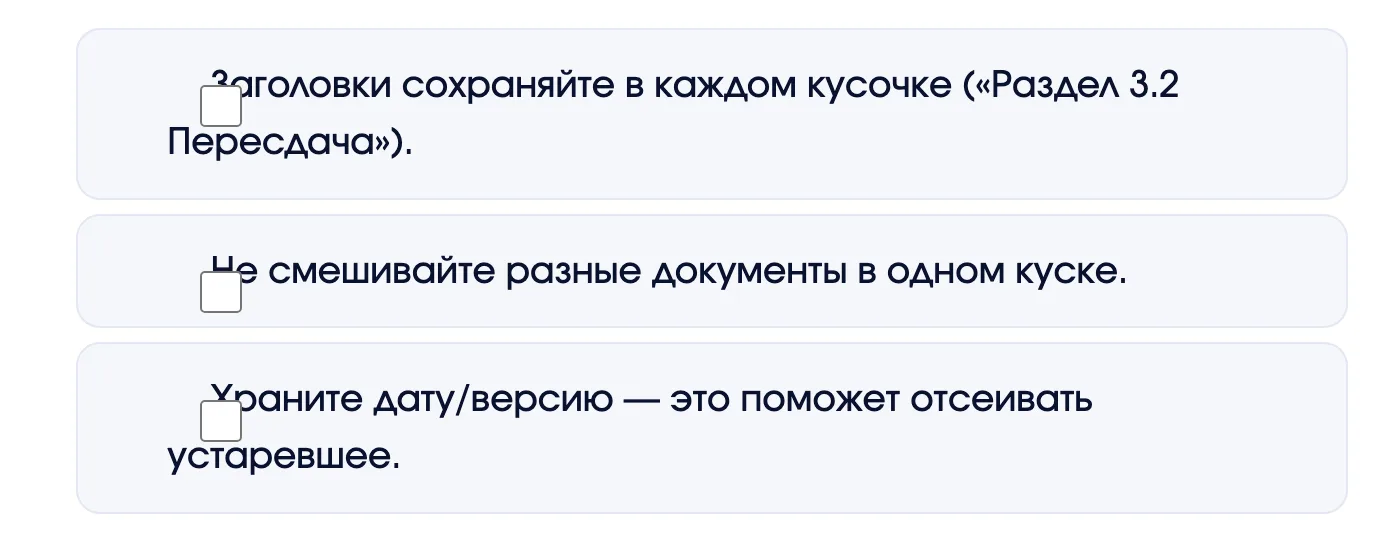
Checks and rules come as a checklist. Tick what you have done and come back later: your ticks stay saved.
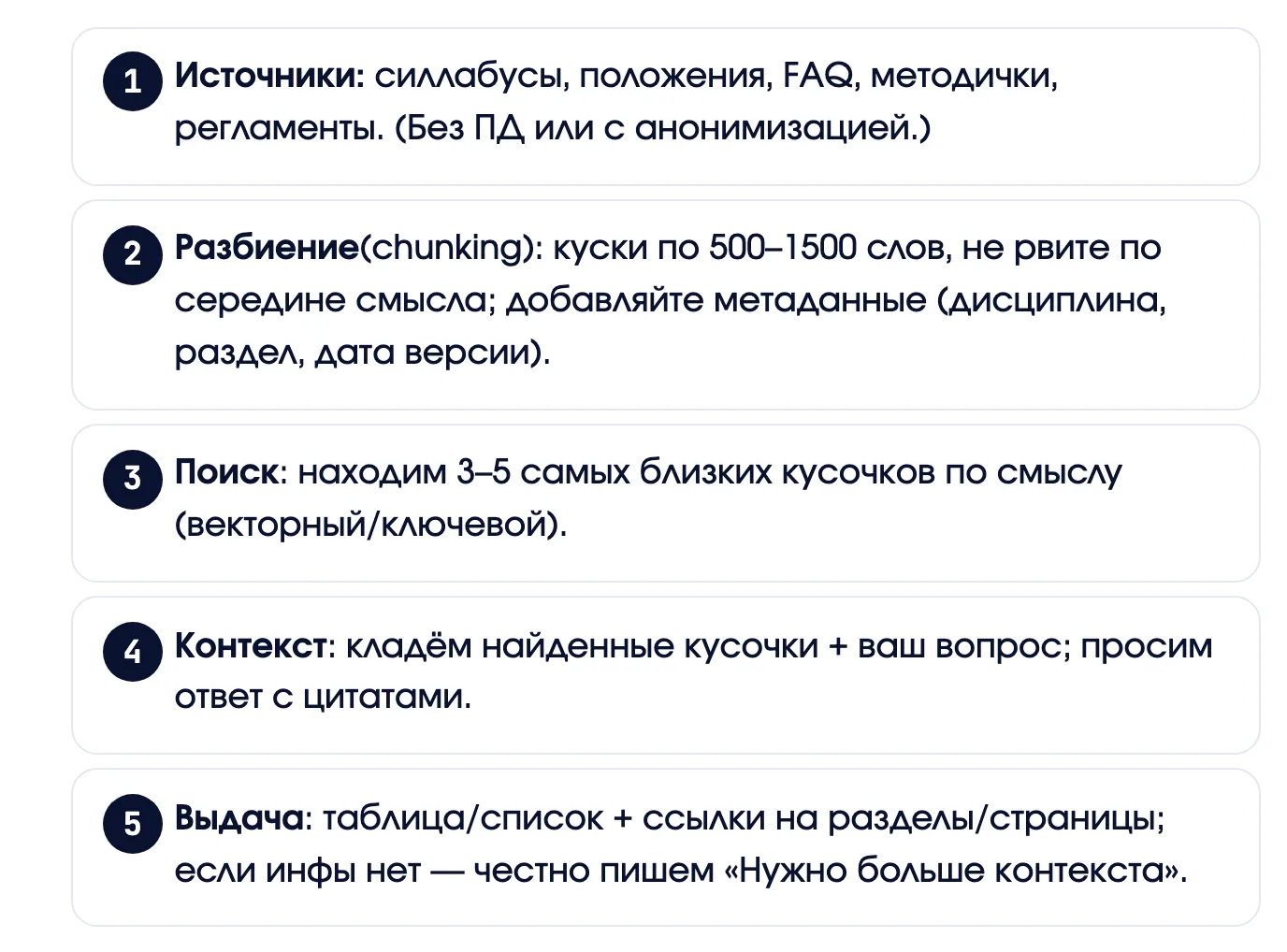
Where the order of actions matters, the lesson shows steps as cards: you can see where you are and what comes next.
Your account shows what you have done and the next lesson. Come back a week later and you do not need to remember where you finished.
Unfamiliar terms (token, context window, RAG) are explained right in the text: click the word to see what it means. Screenshots open full screen.
What you walk away with
A cycle plan, a weekly plan, a set of illustrations, a presentation and a session script are put together from templates. The assistant makes the draft, and the decision and the edits stay with you.
Price
Individual enrollment
Access right away · 3 months, extension €10
Group enrollment
One payment for the whole group. Every participant gets access and a personal certificate.
After payment you receive a link to the seats by email. Participants use it to create their own accounts.
Need an invoice for an organization, or more than ten people? Leave a request
How the course works
All modules open right after payment for three months, which is enough to take the course at your own pace. If you need longer, you can extend for three more months for €10, with a button in your account. Ask your questions in the school's common chat.
For participants from Kazakhstan
This course is organized in cooperation with the Private Foundation "International Academy of Pedagogy" (Kazakhstan) and is included in the List of educational programs of professional development courses. This confirms that the course meets the established requirements for the professional development of educators.
Please note that this is based on the List of educational programs of professional development courses approved by the Ministry of Education of the Republic of Kazakhstan as of 04.2025 (the "International Academy of Pedagogy" Private Foundation).
The certificate is issued in Russian only.
Who teaches
The school team: people who bring AI into education and into our own products every day. The course has scenarios tested in our own work.
 Ivan SorokovikIn online education since 2013. A graduate of the University of Economics in Prague. Runs live groups, teaches working with AI and builds educational products around applied AI.
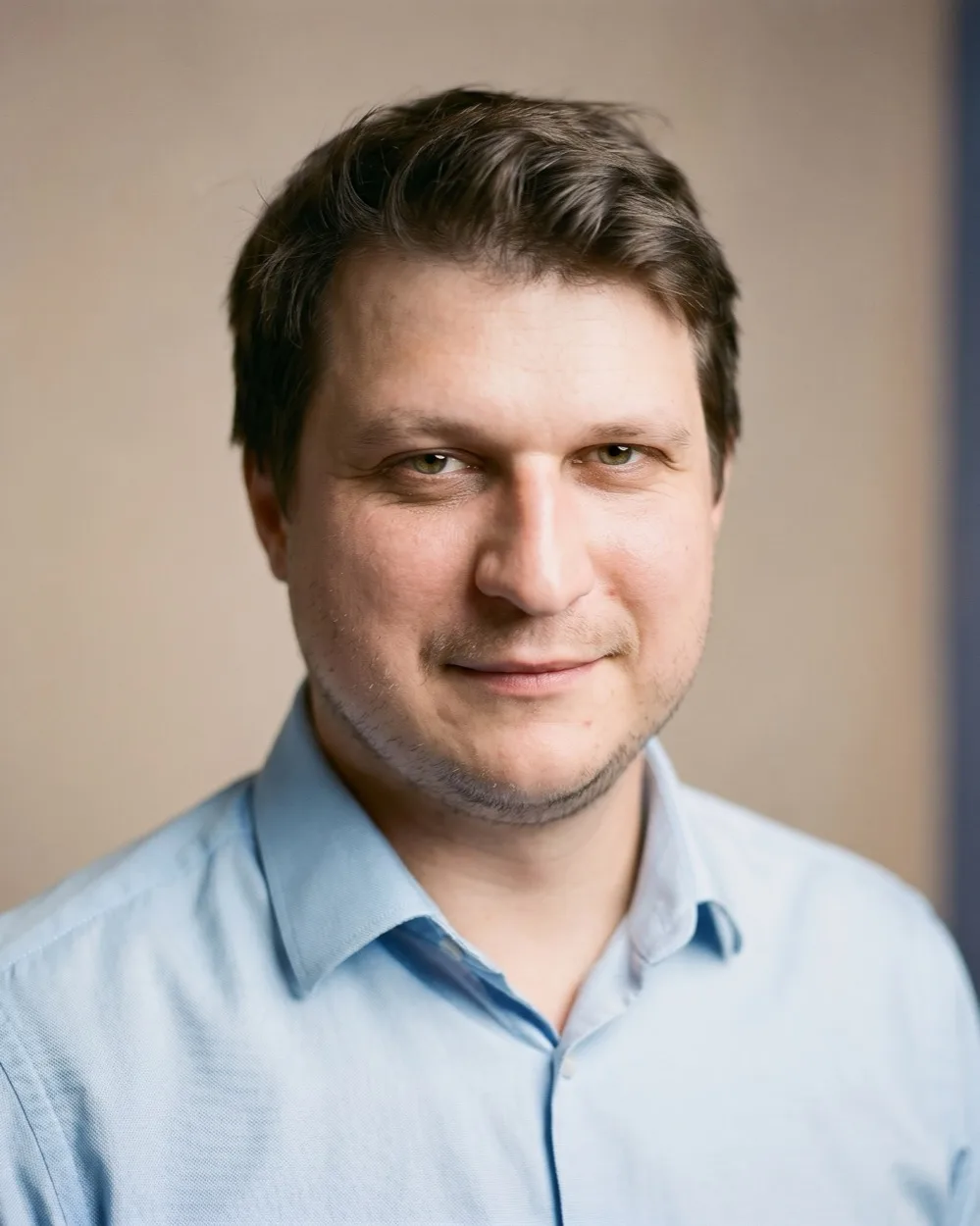 Andrei ZenkevichA practitioner of automation and AI agent implementation. Author and co-author of courses on the practical use of AI for educational institutions and business.
 Ivan GoroshkoA specialist in automation and practical work with AI. Master's in Data Science in Economics, Lazarski University.
With a personal certificate that anyone can verify by link, and with your success story: two images about how you got there. Along the way, progress cards after the first lesson and after each module. You can show all of it at work and post it on your own pages.
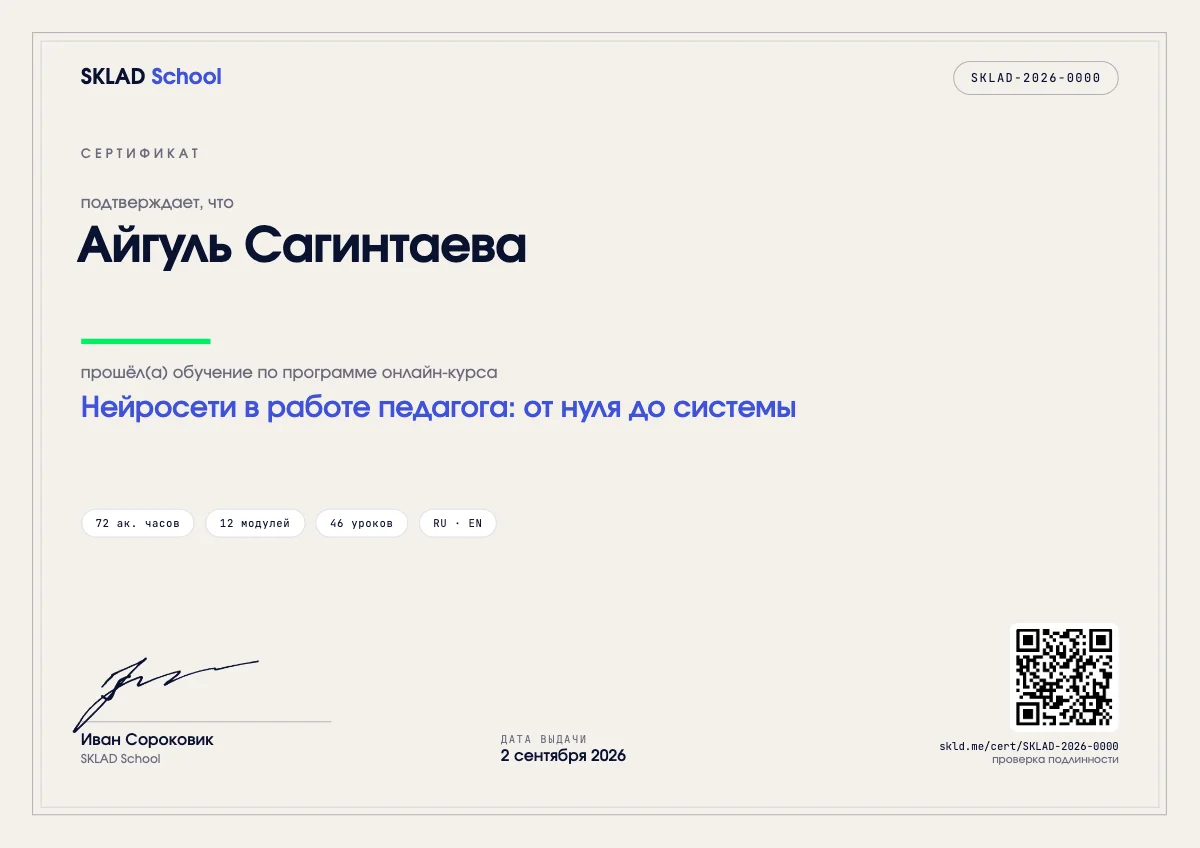
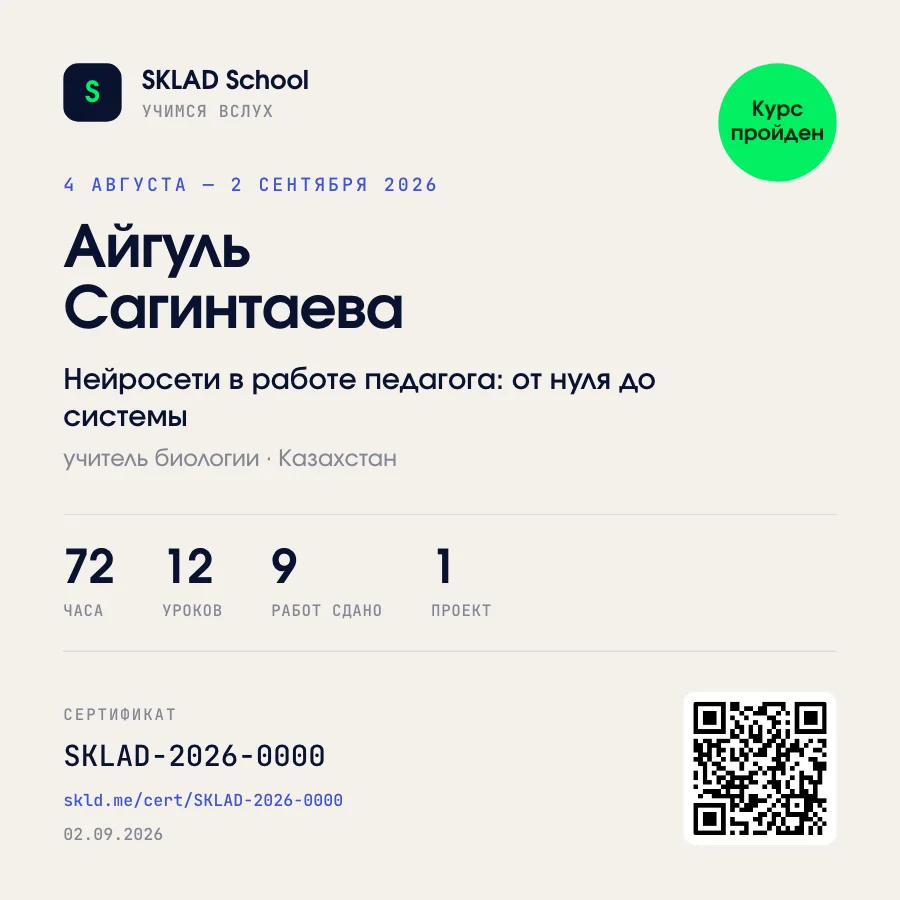
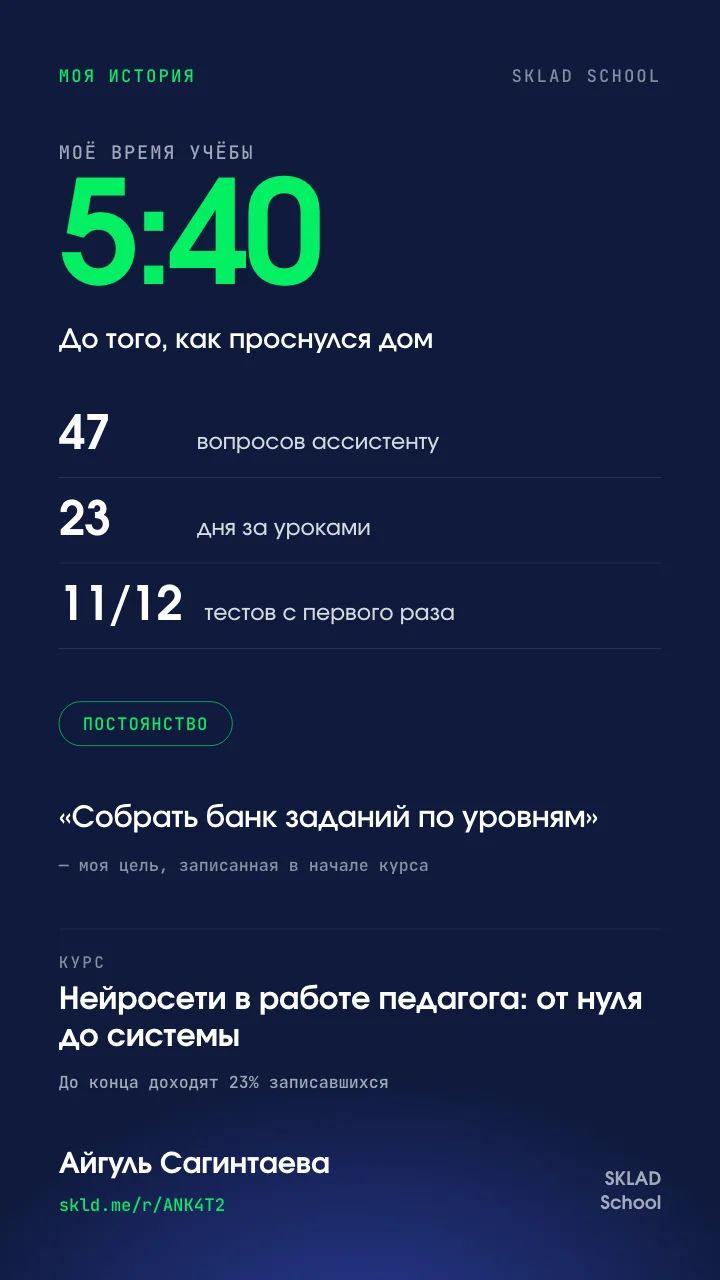
These are samples. Yours will have your name and your numbers, and no two are alike.
Reviews
Here are reviews from people who took our courses. Some were written in the personal account after the course, some on the school's previous site; they are published with the authors' consent. We do not rewrite them.
Курсом осталась очень довольна. Этот курс помог расширить и закрепить уже имеющиеся знания по работе с ИИ. Отдельно отмечу подачу материала — сложные вещи объясняются простым языком, поэтому курс подойдет даже тем, кто раньше с ИИ не работал. После обучения появилось понимание, как встроить инструменты в свою повседневную работу.
Я преподаватель. Пришла на курс, чтобы научиться использовать ИИ для подготовки планов занятий и презентаций для студентов. Сначала было сложно правильно формулировать запросы, но после курса я стала увереннее работать с ChatGPT и Claude. Теперь понимаю, как с помощью ИИ быстрее готовить материалы, задания и презентации, экономя время.
"Thank you for such a wonderful course. It is such a delight, I am lost for words."
"Convenient, compact, I took a lot of useful things for myself. I am starting to use it in my own work."
"A 100% working tool for the educational environment. Yes, AI is already in our lives, but now I know how to steer it in the right direction."
"Thank you for the materials. They show some prospects for transforming the education system. We will discuss them with colleagues and use them in our computer graphics work."
"Interestingly chosen material. After reading it you really understand that AI can be used in a teacher's work. Overall very informative and accessible. The developers did a lot of work, and it shows results. Thank you."
"Well-structured and substantial materials, good technical support, excellent organization of the learning process."
"Huge thanks to the teachers and experts: the participants got to dive into the world of neural networks, understand complex concepts and learn to apply them in practice. Special thanks to the technical specialists and the support team: thanks to them we could focus on studying."
"The course left a very good impression. These approaches can be used in our school too. Thank you to the organizers for such a useful program."
"I have already attended five or six webinars. It is wonderful that we have such a team of professionals. With you we open up the world and learn what is happening in it."
"A very impressive list of useful and needed sources. I think this course is very relevant to today's reality. I will integrate AI into my teaching."
"Only when I went through the materials a third time did I realize how many tools it offers. Huge thanks for the chance to get to know such a specialist in AI."
"Convenient, compact, I took a lot of useful things for myself. I am starting to use it in my own work as a teacher."
"I am 72, a doctor of pedagogical sciences, and I want to stress that it was very interesting and useful. Thanks to the courses I worked with master's students, teaching them ChatGPT in teaching work."
Took the course? Write your review: the form is in your personal account. We will read it and publish it here.
Invite colleagues
Share your link with colleagues. When one buys a course, you get 20% off. Three: 50%. Five: any course free. The link is easy to get: a name, an email and a confirmation.
We count only paid courses; your own purchases through your own link do not count.
Questions
No. The first module explains what AI is and how generative AI works, then comes signing up for ChatGPT and a separate lesson on how to write prompts specifically for preschool education. You do not program in any module. All you need technically is a browser and an email address. If you have never used AI, that is a perfectly normal starting point.
When you pay. The course is in recordings: pick a start time that suits you, and access opens right after payment. There is no waiting for a group to form, and all five modules are open from the first day. Watch at your own pace: one lesson between sessions with the children, and you can apply it as early as next week.
In your personal account on the school's site. Right after payment an email arrives with a link, a login and a password. There is nothing to install: lessons open in a browser, on a computer, tablet or phone. The account holds the video lessons of all five modules, presentations and additional course materials.
Three months from the moment access is opened, which leaves room to take the course at your own pace. Lessons and materials stay in your account for the whole period. If you need longer, extend by another three months for €10 right in your account. Live sessions and their recordings are included in the access period.
Write to us on Telegram or by email: the contacts are in the first email and at the bottom of this page. A real person answers, Mon–Fri 10:00 to 18:00 Warsaw time. If the email did not arrive or a lesson will not open, write right away and we will sort it out. Questions about the course content are welcome too: we will answer, and if the topic is common, add the answer to the materials.
When you complete the course, the certificate appears in your personal account. It is digital, for 72 academic hours. The name is taken from your registration data, so check how it is spelled. It is included in the price. For participants from Kazakhstan the certificate is issued in Russian only.
Write to us and we will send an offer for an educational institution: a contract, an invoice, a certificate of completion and a certificate for every participant. From 5 people there is a discount. Taking the course as a team is easier: the teachers end up with shared templates for cycle plans and weekly plans, and one set of rules for using AI, instead of everyone having their own.

Zoom call
We would rather talk to you directly. Book a free half-hour Zoom call and tell us what takes up your time at work and what you want to learn. Together we will see what can be handed to AI, and whether you need the course at all.
No time for a call? Write to us on Telegram
Access to your account right after payment.